

QC Finder
Weidian QC Finder: Free QC Photos for Weidian Links
Paste a Weidian listing link. We'll detect the item ID, show QC photos from our database and prepare a Boonbuy link to buy it.
How to read QC photos?
- 1
Compare colour and shape with the seller's official photos.
- 2
Check stitching, prints, logos and edge finishing up close.
- 3
Look at the size tag and the measurements in the photo with a tape measure.
- 4
If anything looks off, ask the warehouse for extra photos or an exchange before shipping.
Weidian: most popular this month

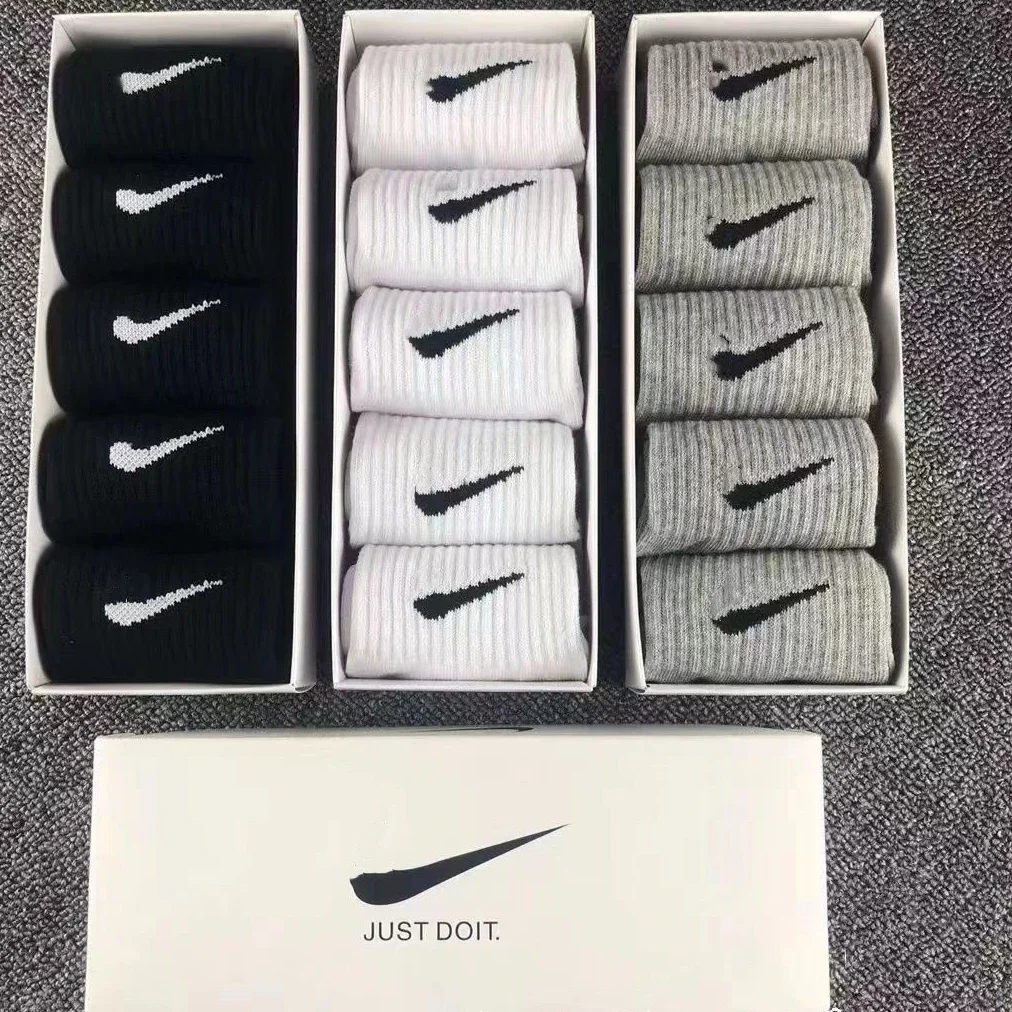
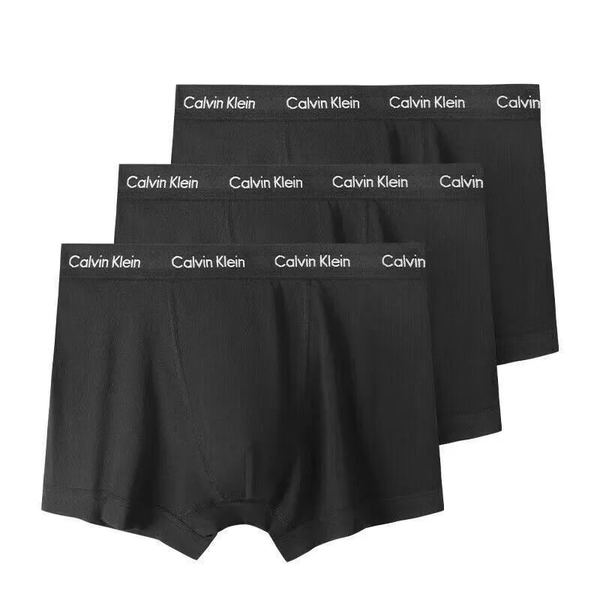
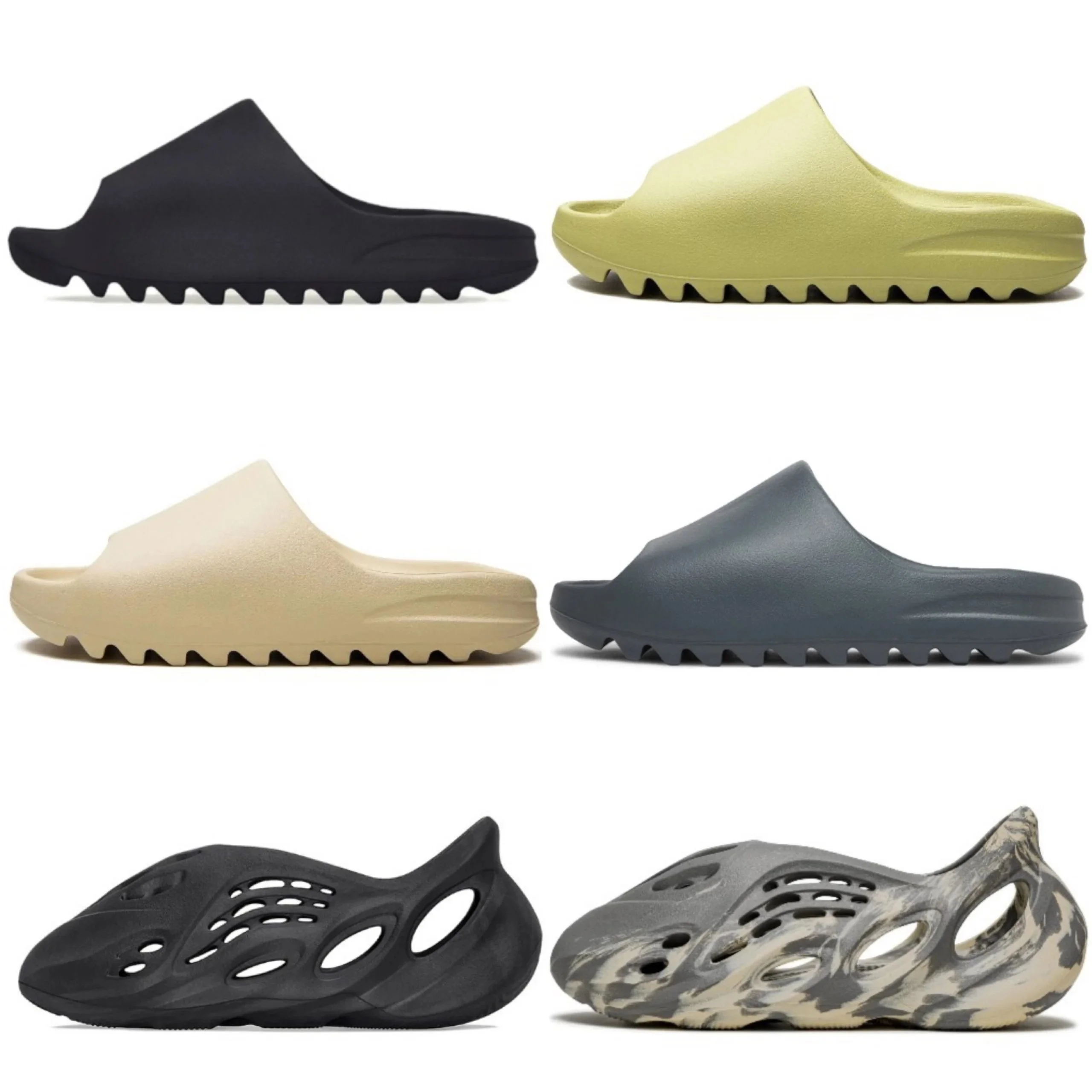
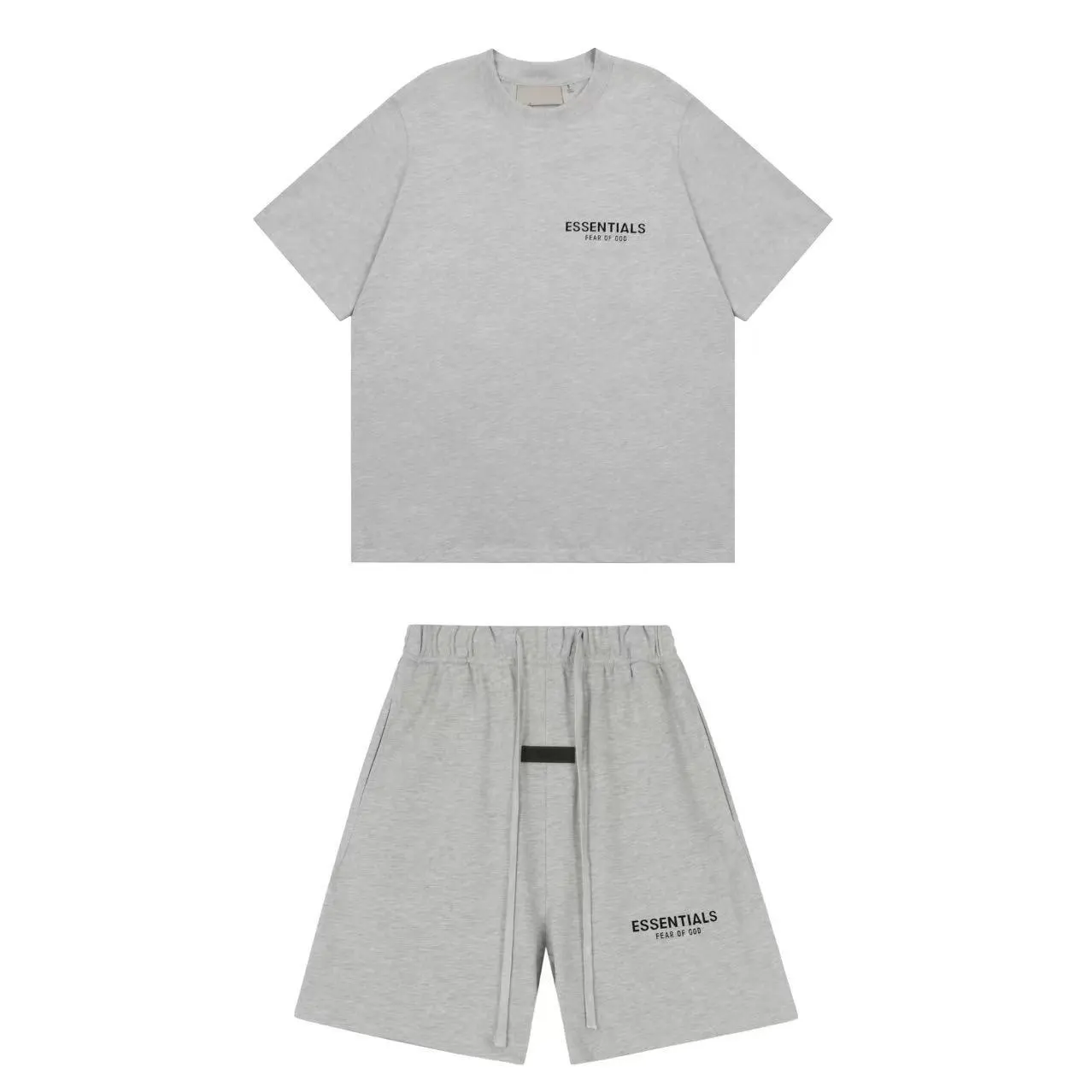
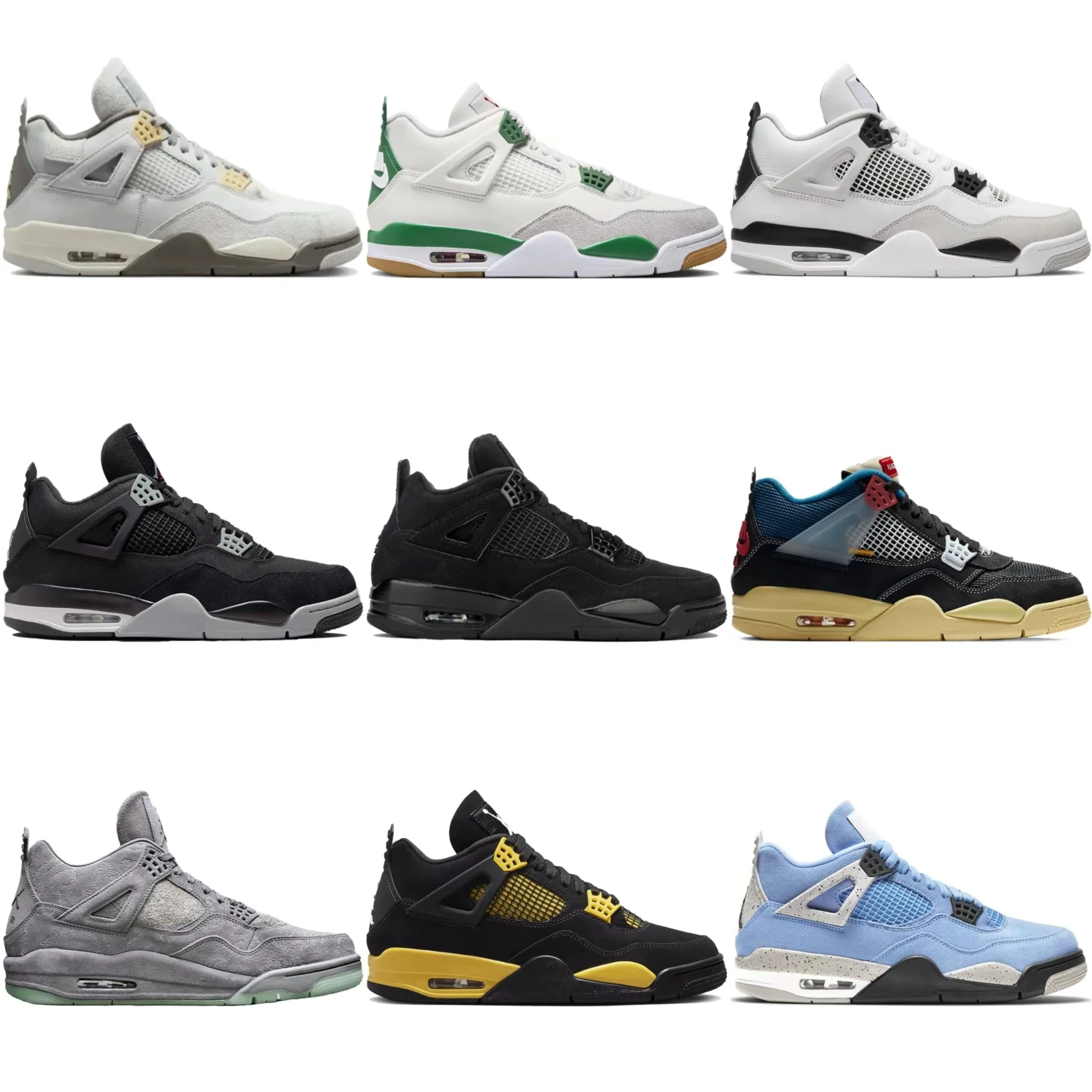
Tracksuits & SetsWeidian
Essentials (Fear of God) - Heather Grey Short-Sleeve Shirt & Shorts Set with Small Chest Logo
$13.24¥888.1
Weidian QC photos: what to know
Weidian (微店) is a Chinese platform of small, mostly phone-run shops. Many streetwear and sneaker sellers use it, which is why most items in finds spreadsheets come from Weidian.
Weidian listings usually have a few catalogue photos and a size chart in Chinese. Warehouse QC photos show the real unit: colour, tag, stitching and measurements, so they are especially useful for Weidian items.
The item number is the itemID parameter in the link. The QC finder reads it from browser links, full app links and links from other agents that point to a Weidian item.
Our spreadsheet lists 6,115 products from Weidian, each with a Boonbuy link.
Weidian links we recognise
weidian.com/item.html?itemID=… (browser link)
youshop10.com and koudai.com addresses with an itemID parameter
Agent links (e.g. Kakobuy, CNFans, Mulebuy, CSSBuy) that point to a Weidian item
Weidian QC Finder: FAQ
Why doesn't a Weidian store link work in the QC finder?
The QC finder looks for photos of one specific item, so it needs the listing number (itemID). A link to a whole store doesn't contain one. Open the item in the store and copy its link.
Can I buy Weidian items through Boonbuy?
Yes. Boonbuy buys from Weidian, Taobao and 1688. Paste the link and we build a Boonbuy link to the same item, and the warehouse takes QC photos of your unit before shipping.